About Ridgeline ID
Point your phone at any UK fell, mountain or peak, and Ridgeline ID tells you which one it is — usually in under ten seconds.
What the app does
Snap or upload a photo
Use the native camera, a live AR-style viewfinder, or upload an existing image. Up to five photos can be submitted together for a more confident identification.
AI peak identification
Photos are analysed by an AI vision model that returns the peak's name, height, region, a confidence score and a short Wikipedia-sourced description.
Optional location & compass
If you allow it, your GPS location and device compass heading are used to shortlist nearby peaks and improve accuracy. Both are optional.
Maps & suggested routes
Each result includes an interactive map of the peak and up to five suggested walking routes nearby, sourced from OpenStreetMap.
History & My Peaks
Every identification is saved to your history. Mark favourites to build a personal collection of fells you've spotted.
Share results
Generate a shareable preview card for any identified peak and send it to friends or post it on social media.
Peak insights
Tap into a peak's profile for height, prominence, region and a concise description pulled from Wikipedia.
Privacy-first
Photos are processed for identification and not used for advertising. Location is opt-in, and your data is protected with row-level security.
How it works
Point your camera at a peak, tap once, and get the name, height, region and nearby walking routes in seconds. Here's exactly what happens behind the scenes.
1. Capture or upload a photo
Use the in-app camera, or upload an existing photo from your library. A clear shot of the skyline works best — the more of the ridge you can see, the easier it is for the AI to match the silhouette.
2. Add context (optional)
If you allow location access, Ridgeline ID sends your approximate GPS coordinates with the photo so the model can shortlist nearby peaks. A compass heading from your device, where available, helps narrow the view direction. Both are optional — identification still works without them.
3. Instant AI identification
The photo is analysed by a vision-capable AI model trained on geographic and topographic data. Within roughly ten seconds you get the peak name, height, region and a confidence score, along with suggested nearby walking routes. Signed-in users get the result saved to their history automatically.
See it in action
Here's a sample identification, the same kind of result you'll get when you upload your own photo.
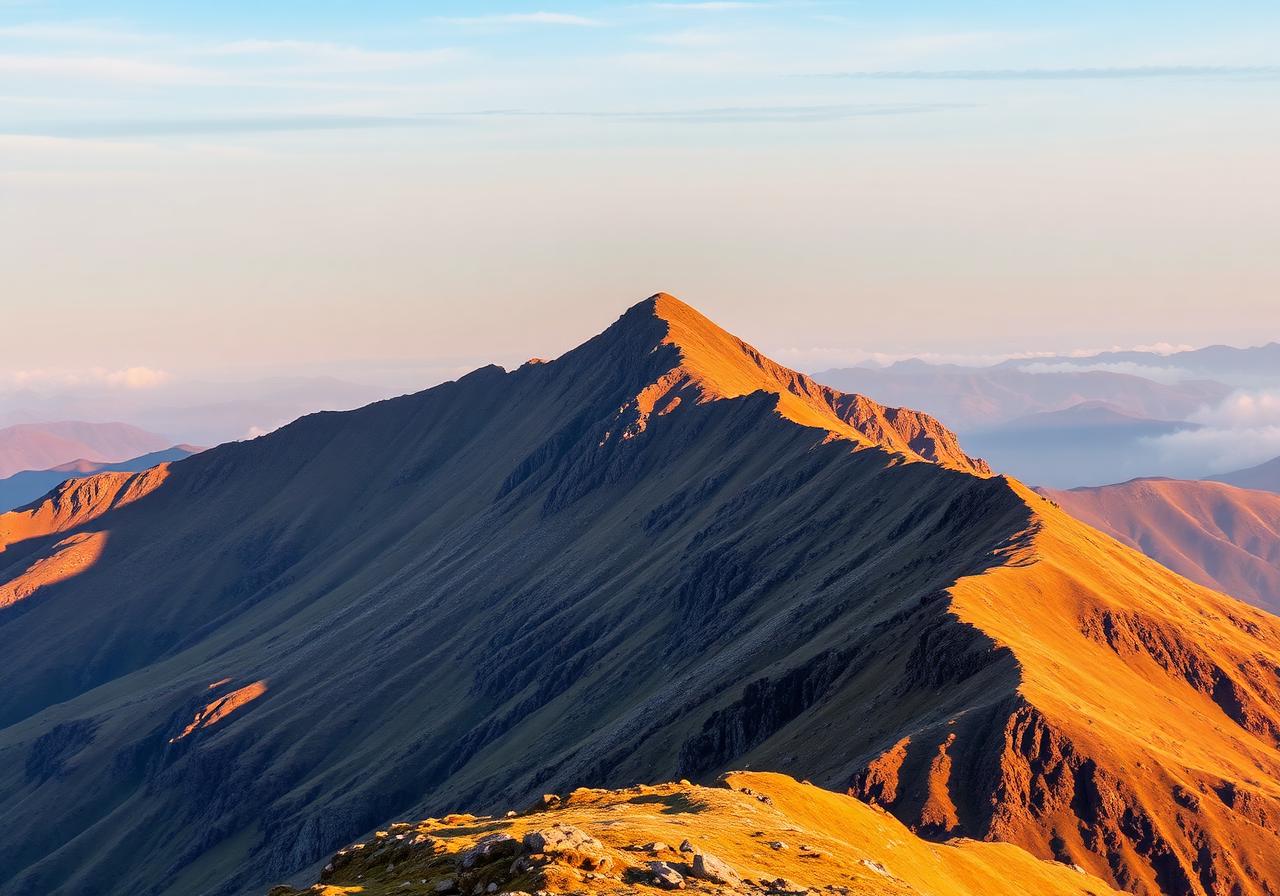
Identified peak
Helvellyn
Lake District, Cumbria, England
- Height
- 950 m
- Range
- Eastern Fells
- Coordinates
- 54.527°N, 3.016°W
- Prominence
- 712 m
Location on the map
54.527°N, 3.016°W
Use the +/− buttons or pinch to zoom. Drag to pan. Map data © OpenStreetMap contributors.
Tips for the best results
- Frame the full ridgeline rather than a single peak in isolation.
- Shoot in good light — early morning and late afternoon are ideal.
- Avoid heavy zoom; let the camera capture the natural perspective.
- Allow location access when you can — it's the single biggest accuracy boost.
- If a result looks wrong, try a second photo from a slightly different angle.
Coverage
Ridgeline ID covers UK fells, mountains and hills — including the Lake District, Snowdonia (Eryri), the Scottish Highlands, the Peak District, the Yorkshire Dales, the Brecon Beacons and beyond.
Who it's for
Walkers, hikers, fell-runners, climbers and anyone curious about the skyline they're looking at. Whether you're on a summit trying to name a distant ridge or back home wondering what was in the background of a photo, Ridgeline ID gives you the answer.
Frequently asked questions
How accurate is Ridgeline ID?
Accuracy is high for well-known peaks photographed in good light, especially with location enabled. Each result includes a confidence score so you can judge how sure the AI is.
Do I need to share my location?
No. Location is optional but improves accuracy by limiting candidate peaks to those near your coordinates.
Does it work offline?
Identification needs an internet connection because the photo is processed by a cloud AI model. Your saved history is still available offline.
Which areas are covered?
The Lake District, Snowdonia (Eryri), the Scottish Highlands, the Peak District, the Yorkshire Dales, the Brecon Beacons and other UK upland areas.
How identification works under the hood
A developer-friendly view of the pipeline that turns a photo (plus optional GPS, compass and tap) into an identified peak. Each stage is fail-soft — missing inputs degrade gracefully rather than blocking the result.
Built with
- AI vision models for peak recognition
- OpenStreetMap & Overpass API for maps and walking routes
- Wikipedia for peak descriptions
- Lovable Cloud for accounts, history and secure data storage
Get started
Create a free account, point your camera at a fell, and let Ridgeline ID do the rest.
Made for the UK hills.